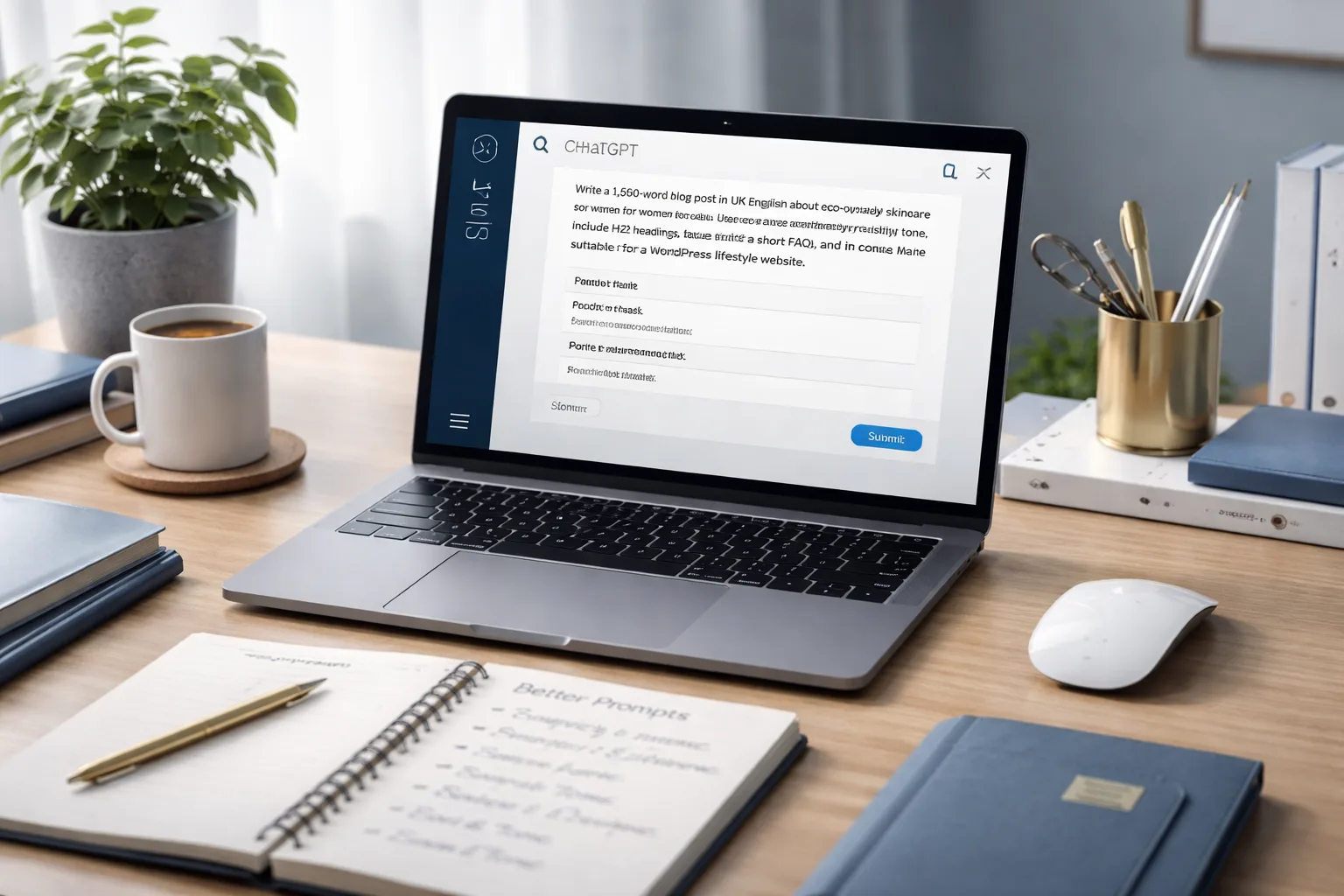
How to Write Better Prompts for ChatGPT
The difference between an average ChatGPT answer and a genuinely useful one usually starts with the prompt. Clearer instructions, better context and smarter formatting can dramatically improve the quality, structure and relevance of the response. OpenAI’s own guidance consistently emphasises clarity, specificity, examples and iterative refinement when prompting ChatGPT
Many people use ChatGPT as if it were a search box, then wonder why the output feels generic, incomplete or slightly off target. The model can only respond to the signal it receives. If the prompt is vague, the answer often becomes vague as well. If the prompt is structured, specific and goal-driven, the result is usually much stronger.
OpenAI’s prompt guidance states that response quality depends heavily on how well you prompt the model, and their best-practice materials repeatedly recommend being clear, specific and explicit about the task, desired format and context. They also recommend using examples where useful and refining prompts iteratively instead of expecting a perfect answer from a single message.
This guide explains how to write better prompts for ChatGPT in a practical, magazine-style format suitable for beginners, marketers, bloggers, business owners and anyone who wants better output with less trial and error.
Editor’s Note
A better prompt does not need to be longer for the sake of it. It needs to be clearer. The goal is not verbosity. The goal is precision.
Why Prompt Quality Matters
Prompting is the process of providing input to the model, and OpenAI explicitly notes that the quality of the output often depends on how well you prompt it. Their official guidance also recommends prompt engineering strategies such as being specific, giving examples and clearly defining output requirements.
In simple terms, ChatGPT works better when you reduce ambiguity. Tell it what you want, who it is for, what style you need, what to avoid and what finished shape the answer should take. That shifts the model from guessing your intent to following your direction more closely.
A Simple Prompt Formula That Works
A strong prompt usually contains five core elements:
- Task: what ChatGPT should do
- Context: background information it needs
- Audience: who the answer is for
- Format: how the answer should be structured
- Constraints: tone, length, exclusions or rules
Weak Prompt vs Better Prompt
Weak Prompt
Write a blog post about skincare.
Better Prompt
Write a 1,200-word blog post in UK English about eco-friendly skincare for women aged 25 to 40. Use a refined, trustworthy tone, include H2 headings, practical tips, a short FAQ and a conclusion. Make it suitable for a WordPress lifestyle website.
The second version gives ChatGPT much better instructions. It defines the subject, language, audience, tone, structure, approximate length and publishing context. That reduces guesswork and usually produces a more usable result on the first attempt.
10 Ways to Write Better Prompts for ChatGPT
1. Start with a Clear Action
Use direct verbs such as write, summarise, compare, explain, rewrite, analyse, list, draft or brainstorm. A prompt should begin with a clear task, not a vague theme.
2. Give Enough Context
ChatGPT performs better when it understands the situation. Mention the business, industry, topic, goal or problem behind the request. OpenAI’s guidance recommends including relevant context and information so the model does not have to infer too much.
3. Define the Audience
A prompt written for beginners should not sound like one written for experts. Specify who the answer is for, such as small business owners, university students, website visitors or busy executives.
4. Ask for a Specific Format
If you want bullet points, a table, HTML, a numbered list, a step-by-step guide or a short email draft, say so. OpenAI’s prompt materials recommend being explicit about desired output structure because clearer format instructions usually produce more consistent results.
5. Set Tone and Style
Prompting improves when you specify how the response should sound. You might ask for a professional, persuasive, friendly, analytical, magazine-style or premium tone depending on the use case.
6. Include Constraints
Tell ChatGPT what to avoid or limit. For example: do not use jargon, keep it under 500 words, use UK English, avoid emojis, include only practical steps, or do not mention competitors.
7. Use Examples When Needed
OpenAI’s official guidance recommends examples as a way to show the model the pattern you want. If you want a certain style, layout or output shape, providing a short example can improve the result substantially.
8. Break Complex Tasks into Steps
Instead of one overloaded prompt, split the task. Ask for an outline first, then the introduction, then the full draft, then the SEO title and meta description. This often gives you more control and better quality.
9. Refine Instead of Restarting
OpenAI’s prompting resources encourage iterative refinement. If the first answer is close but not right, follow up with targeted feedback such as “make it shorter”, “use a more premium tone”, “turn this into HTML”, or “rewrite for beginners”.
10. Build Reusable Prompt Templates
Once you find a prompt structure that works, save it. Reusable templates make your workflow faster and more consistent, especially for repeated tasks such as blog drafting, product descriptions, outreach emails or social captions.
Practical Prompt Templates You Can Reuse
For Blog Writing
Write a 1,500-word blog post in UK English about [topic] for [audience]. Use a [tone] voice, include H2 headings, practical examples, a short FAQ and a strong conclusion. Make it suitable for WordPress publication.
For Email Drafting
Write a professional email to [recipient] about [subject]. Keep it polite, concise and clear. Use a [formal/friendly] tone and end with a practical call to action.
For Summaries
Summarise the following text into 5 key points in plain English. Keep the meaning accurate and highlight the most important takeaways.
For Social Media
Create 5 Instagram caption ideas for [brand/topic]. The tone should be [tone], the target audience is [audience], and each caption should be under [X] words.
Common Prompt Mistakes to Avoid
- Being too vague
- Asking for too many unrelated things in one prompt
- Not specifying audience, tone or format
- Expecting a perfect final answer in one attempt
- Leaving out important source material or context
- Not telling ChatGPT what to avoid
Use Persistent Instructions for Repeated Work
If you regularly create the same kind of content, keeping consistent instructions in a project can save time. OpenAI’s ChatGPT Projects help article specifically mentions content creation use cases where project-specific instructions keep tone and style consistent across contributors.
That means you do not have to repeat every preference from scratch each time. For example, you can keep brand tone, preferred language, formatting rules and content goals in one place, then focus each new prompt on the task itself.
A Better Mindset for Prompting
The best way to think about prompting is not “How do I find the perfect magic sentence?” It is “How do I communicate clearly with the model?” Better prompts come from better instruction design. You are setting a brief, not casting a spell.
That is why the strongest prompt writers tend to work iteratively. They specify the task, review the answer, tighten the weak parts and continue refining until the output matches the need. In practice, prompting behaves much more like editing and directing than guessing. OpenAI’s resources reflect this by emphasising iteration, structure and clearer constraints over vague one-shot prompting.

Published by
AgizoAI Editorial Team
AI news, prompt engineering, tool reviews and practical technology coverage from the AgizoAI editorial desk.
Continue reading
Related AI stories

EU AI Act 2026 Deadline: What Website Owners and AI Tool Users Should Know
The EU AI Act 2026 deadline is coming. Website owners and AI tool users should prepare with disclosure, labelling, vendor review and…

How to Combine AI, Human Editing and SEO for a Better Website
Learn how to combine AI, human editing and SEO to create better website content with stronger quality, trust, structure and search performance.

How to Build an AI Content Calendar for a Niche Website
Learn how to build an AI content calendar for a niche website with topic pillars, SEO briefs, internal links and a realistic…