
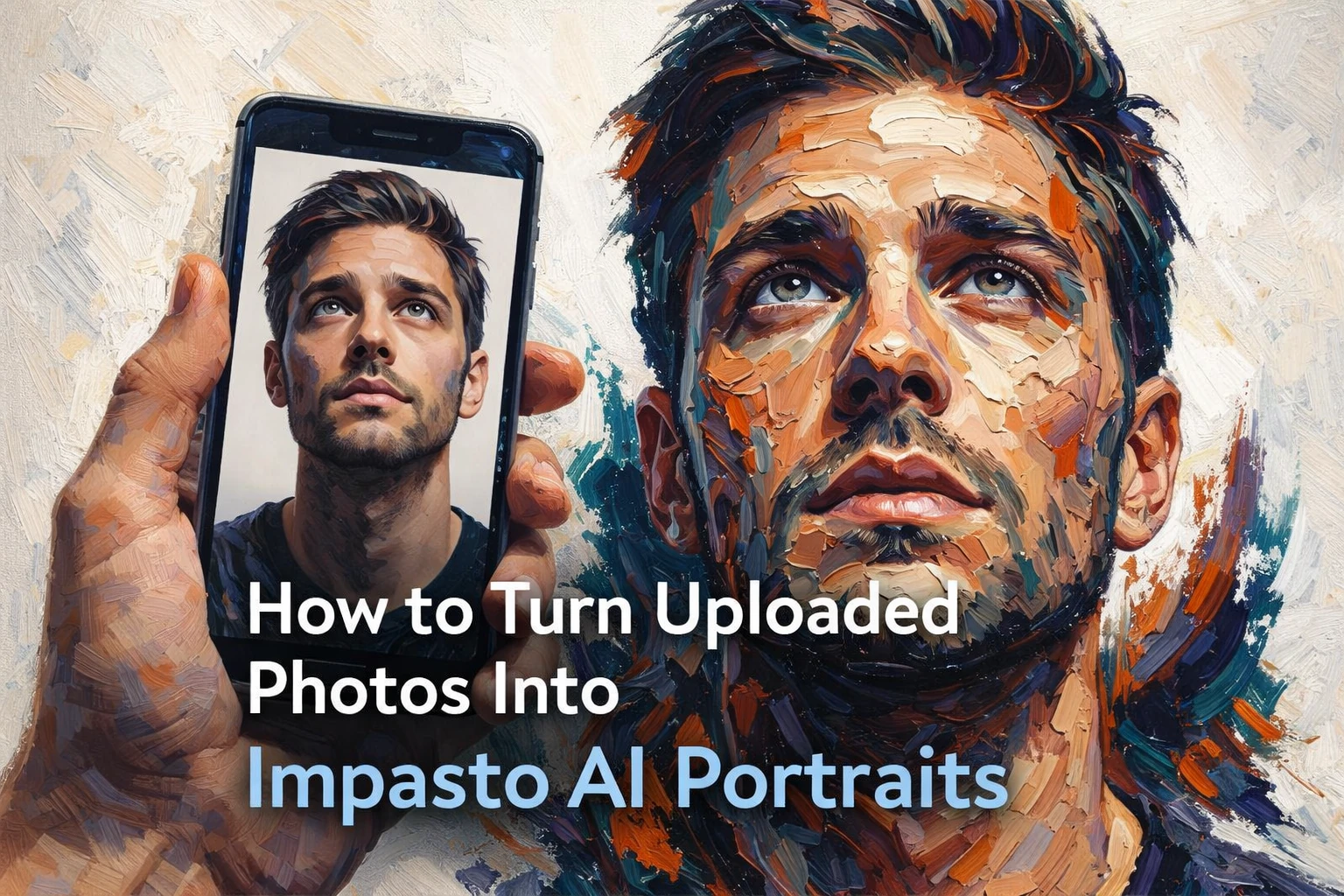
AI portrait styling becomes much more impressive when the prompt controls both identity and artistic texture. If you want to transform an uploaded photo into a dramatic impasto portrait with thick paint strokes, bold colour contrast, and a gallery-style finish, the prompt needs to do more than ask for an “oil painting”. It needs to direct the style properly while preserving the original face.
Impasto portrait art is defined by visible texture, layered paint, sculpted brush marks, and strong colour separation. In AI image generation, this style works especially well for portraits because it combines realism with abstraction. The face can remain recognisable, but the paint treatment gives it a premium artistic look that feels more like a modern gallery piece than a standard filter effect.
The challenge is that many prompts are too weak. They ask for a “painted portrait” without describing how the texture should behave, which colours should dominate, how much identity should be preserved, or what kind of mood the final image should carry. That usually leads to flat digital output instead of rich, expressive impasto artwork.
What makes an impasto AI portrait work?
- Clear preservation of facial identity
- Thick palette-knife or oil-paint texture
- Strong contrast between warm and cool tones
- Expressive brushwork around the face, neck, and hair
- Dramatic but controlled lighting
- A clean background that keeps the portrait dominant
Analyse the source image first
Before writing the prompt, it helps to identify the visual traits you want to keep from the uploaded photo. That usually means the face shape, eye spacing, nose structure, jawline, lips, hairstyle silhouette, and direction of gaze. If those features change too much, the result may look artistic but no longer feel like the same person.
In a strong impasto transformation, the likeness remains intact while the paint handling becomes more expressive. That is the balance you want: identity preserved, surface stylised.
Describe the texture like a painter, not a filter
One of the most important parts of the prompt is the texture language. Instead of generic terms like “painted effect”, use words that describe real painterly behaviour: impasto, palette-knife strokes, layered oil paint, sculpted texture, and thick expressive brushwork.
These details tell the model to create physical-looking texture, not smooth digital blending. That is what gives the final portrait depth and artistic weight.
Use colour contrast to create drama
Impasto portraits often look strongest when warm and cool tones collide. Teal, indigo, deep blue, burnt orange, cream, rust, and violet work especially well together. These colours create movement and visual energy while still allowing the face to remain readable.
Instead of letting the AI pick random colours, give it a controlled palette. That keeps the portrait intentional and premium rather than messy.
Example face-preserving impasto portrait prompt
Here is a practical prompt you can use and adapt:
Transform the uploaded portrait into a highly expressive impasto oil painting while preserving the original face identity, facial proportions, gaze direction, and overall likeness. Use thick palette-knife paint strokes and sculpted layered textures across the skin, hair, neck, and shoulders. Blend realism with abstract painterly expression, so the face remains recognizable but is built from bold strokes of teal, deep blue, burnt orange, rust, cream, ivory, and violet.
Create a dramatic portrait with strong cinematic lighting, subtle highlights on the forehead, nose, cheeks, and lips, and deep shadow sculpting around the eyes, jawline, and neck. Let the hair and lower neck dissolve into energetic painted strokes and textured fragments. Keep the background plain, light, and minimal so the portrait remains the focus.
Style: modern impasto portrait, gallery-quality oil painting, semi-abstract realism, thick textured brushwork, palette knife painting, ultra-detailed paint texture, expressive fine art portrait, premium editorial art look.
Important: preserve the uploaded person’s identity, eye shape, nose shape, mouth structure, bone structure, and hairstyle silhouette. Do not cartoonize. Avoid smooth digital painting, blur, extra facial features, distorted anatomy, duplicate eyes, messy teeth, low-detail skin, or flat lighting.
Why this prompt performs better
| Weak prompt | Better prompt |
|---|---|
| Turn this photo into an oil painting | Transform the uploaded portrait into a face-preserving impasto oil painting with thick palette-knife texture, sculpted colour contrast, dramatic lighting, and a clean gallery-style background |
The stronger version defines the medium, the texture behaviour, the lighting, the colour palette, and the identity constraints. That is what makes the result more controlled and more visually impressive.
Useful negative prompt ideas
If your tool supports negative prompting, use it. This helps avoid common portrait failures like duplicate eyes, distorted anatomy, smooth plastic skin, or accidental cartoon styling.
Easy ways to customise the style
- Use a dark charcoal background for a moodier gallery feel
- Shift the palette toward gold, burgundy, and emerald for a richer luxury look
- Ask for a side-facing pose instead of an upward gaze
- Increase abstraction around the shoulders while keeping the face realistic
- Request a square crop for profile images or a 4:5 crop for editorial portraits
Best formats for this kind of portrait
- 1:1 for profile images and social avatars
- 4:5 for premium portrait posts and magazine-style visuals
- 3:4 for fine art portrait presentation
Editorial note: for the best results, always use a clear portrait photo with visible facial structure and good lighting before applying an artistic style transfer prompt.


Published by
AgizoAI Editorial Team
AI news, prompt engineering, tool reviews and practical technology coverage from the AgizoAI editorial desk.
Continue reading
Related AI stories

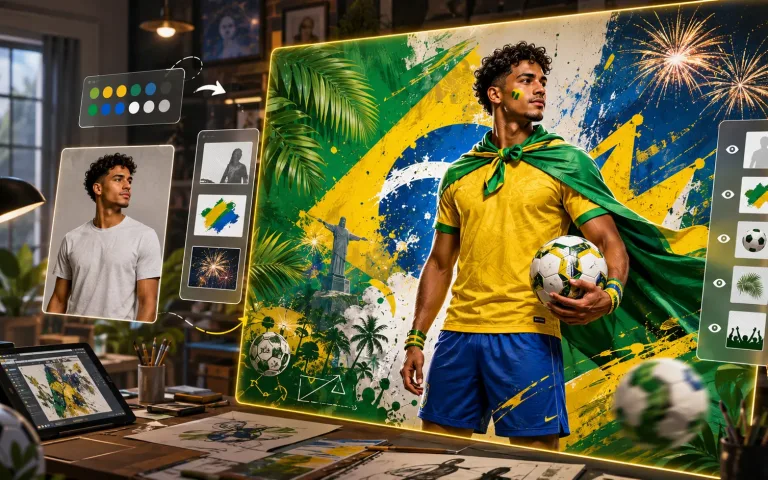
Brazil AI Fan Poster Prompt: How to Turn a Photo Into a Stylish World Cup Supporter Image
This Brazil AI fan poster prompt shows how to transform a person’s photo into a premium World Cup supporter image while preserving…

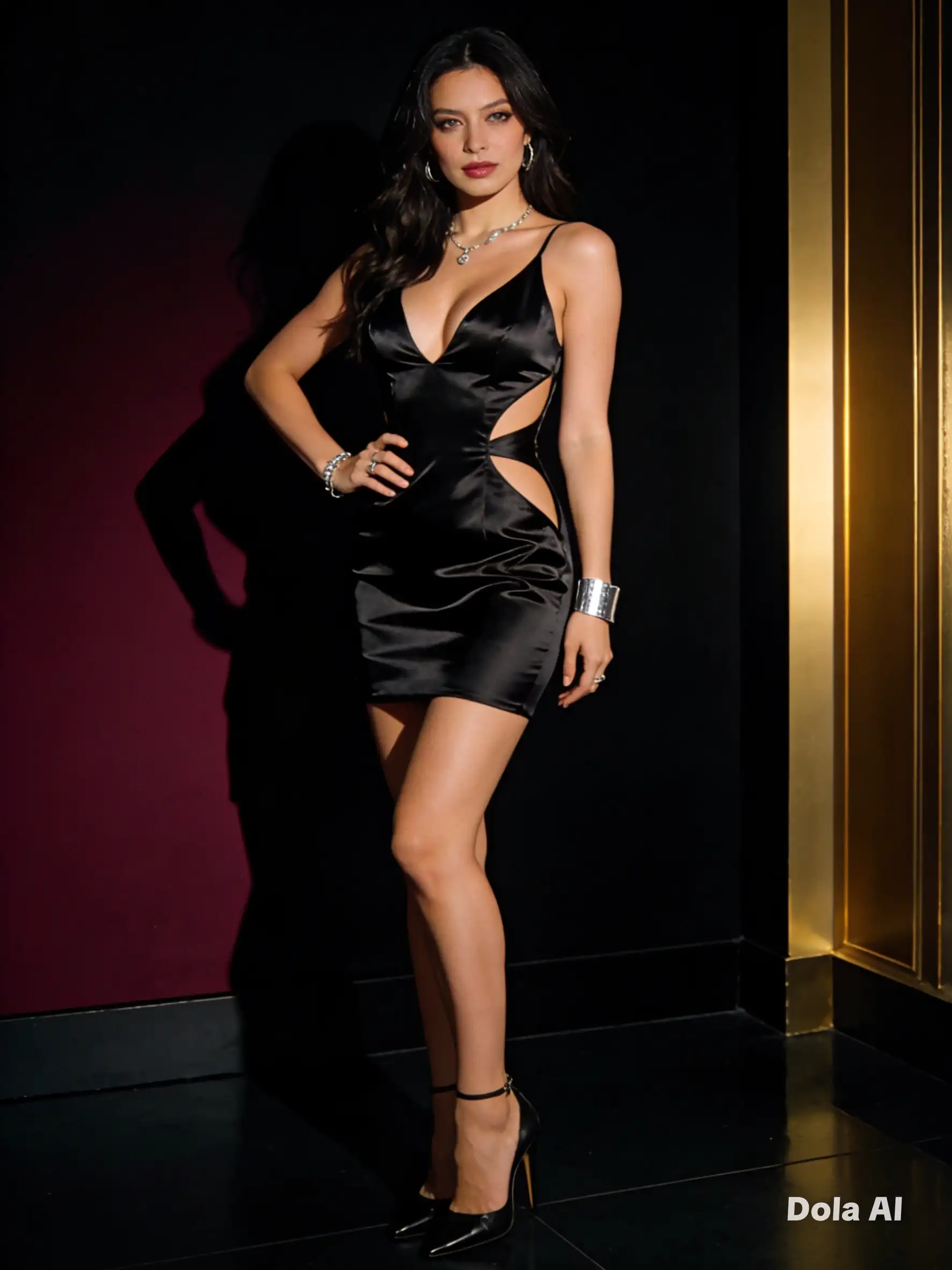
Sexy Fashion Outfit AI Prompt for Dola AI – Glamorous Studio Look
Create a stylish, sexy, and elegant fashion image with this ready-to-use Dora/Dola AI prompt. Perfect for studio photography, fashion editorials, social content,…
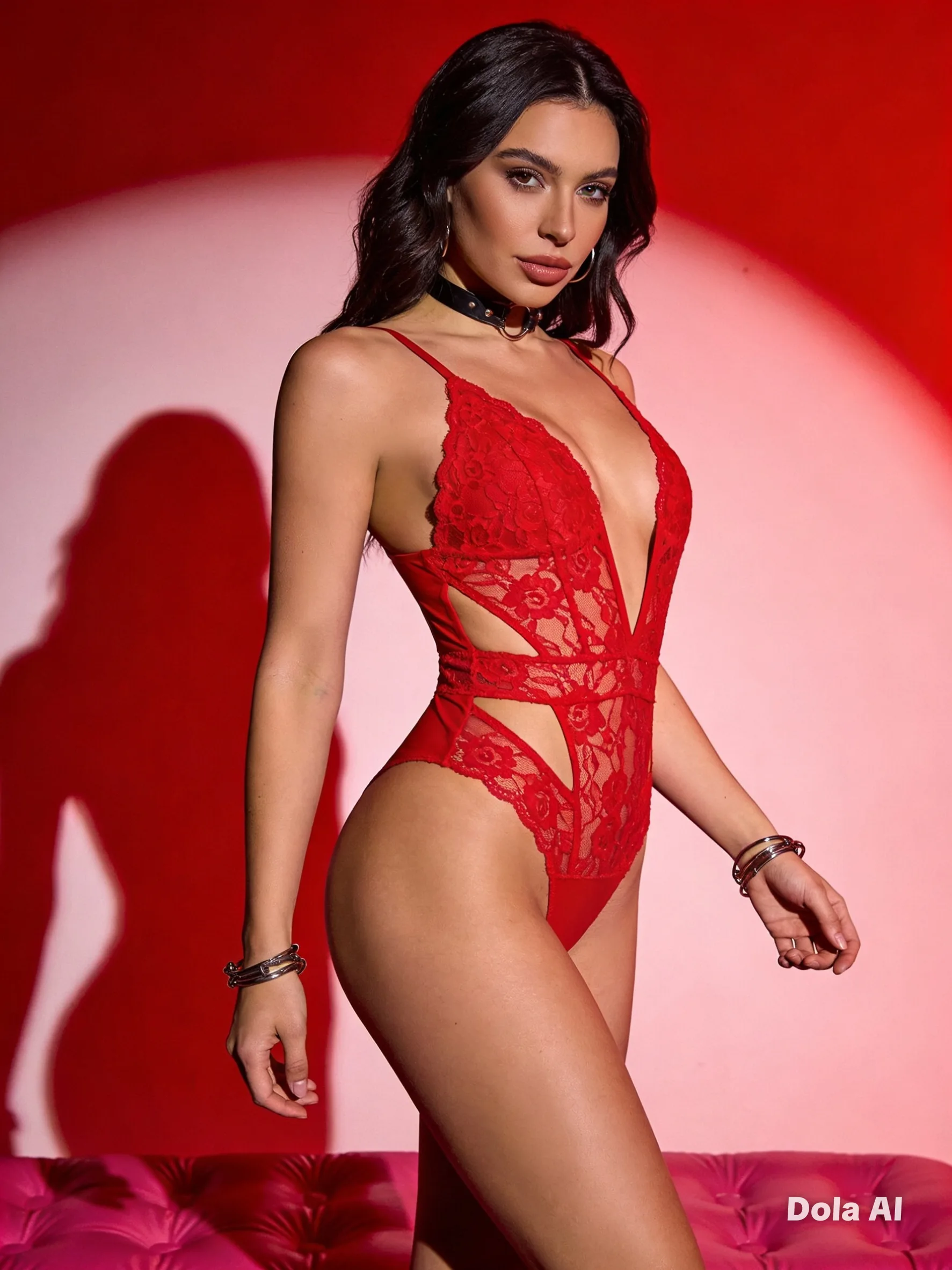
DOLA AI Prompt for Ultra-Realistic Red Studio Fashion Photography
Use this refined DOLA AI prompt to create an ultra-realistic red studio fashion portrait with dramatic lighting, premium lace texture, editorial styling,…